
New in Version 11
Describe it. Find it.
Type what you saw in plain words. eConnect finds it on camera.
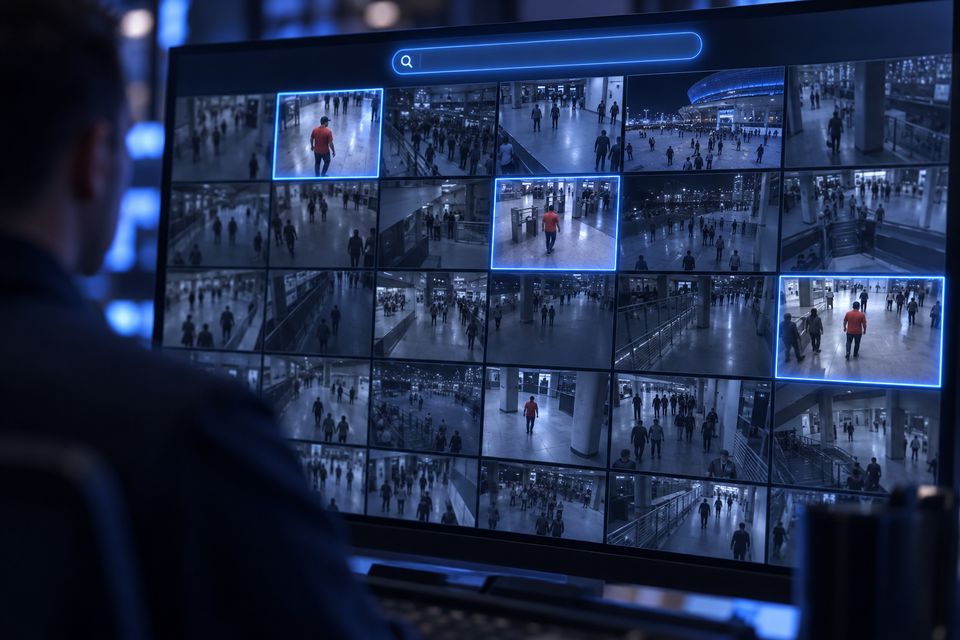
See it work
A few words. Every match.
A shirt, a bag, a truck. Pick a search and see what comes back.
Backpack
6 matches
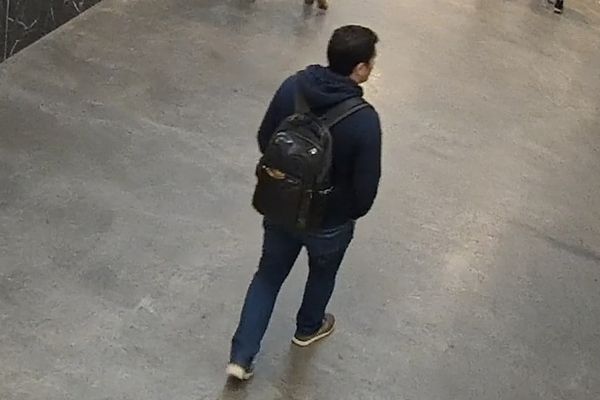 Main entry 2Oct 14, 7:42 PM
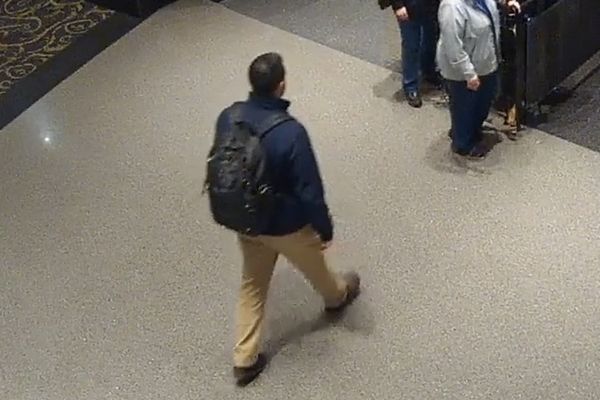 Lobby eastOct 14, 7:44 PM
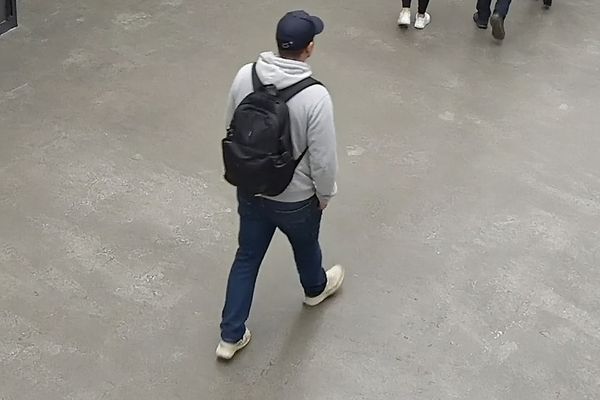 Concourse 3Oct 14, 7:51 PM
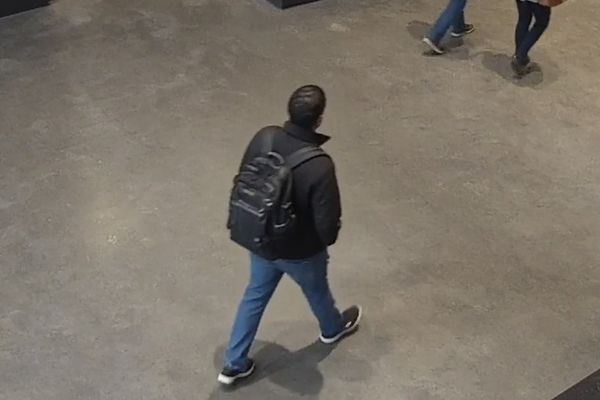 Lobby westOct 14, 8:03 PM
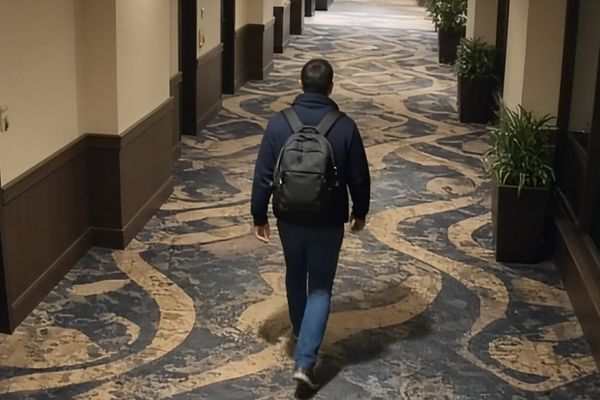 Tower 1 floor 12Oct 14, 8:17 PM
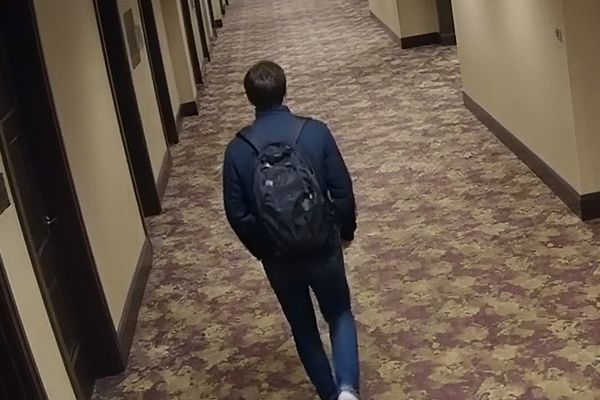 Tower 2 floor 18Oct 14, 8:26 PM
White pickup truck
6 matches
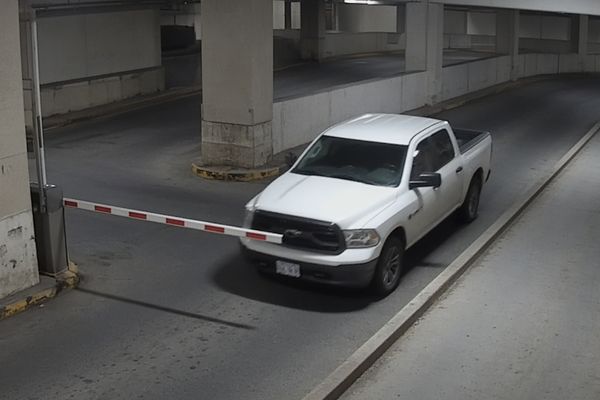 Garage entry 1Oct 14, 6:58 PM
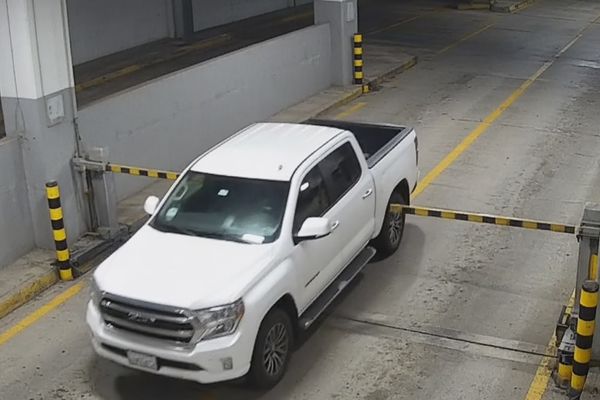 Garage entry 2Oct 14, 7:06 PM
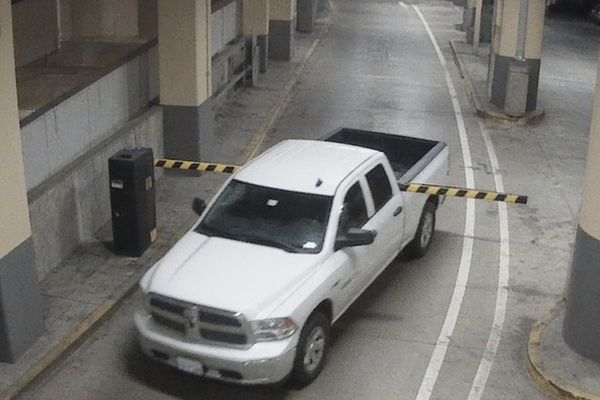 Garage level 3Oct 14, 7:19 PM
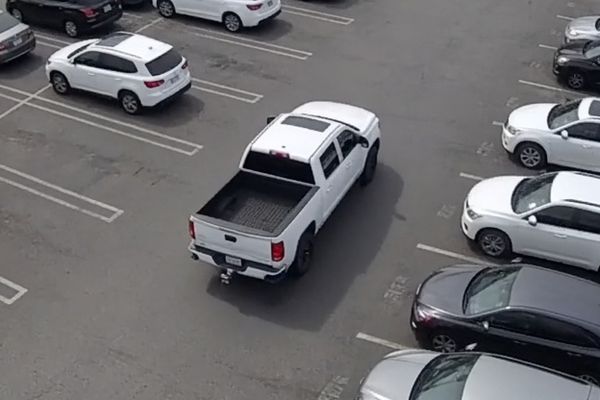 North lot pole 4Oct 14, 7:33 PM
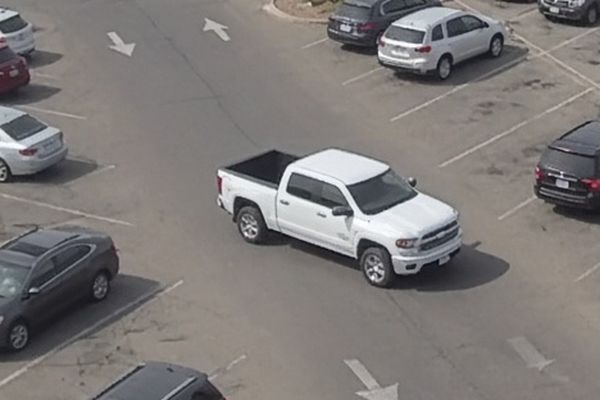 Valet lot pole 2Oct 14, 7:40 PM
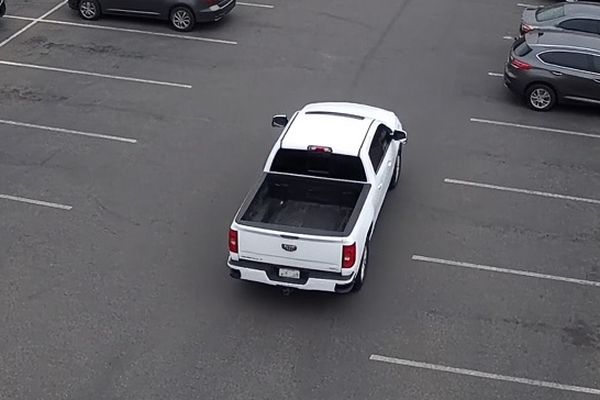 East lot pole 1Oct 14, 8:12 PM
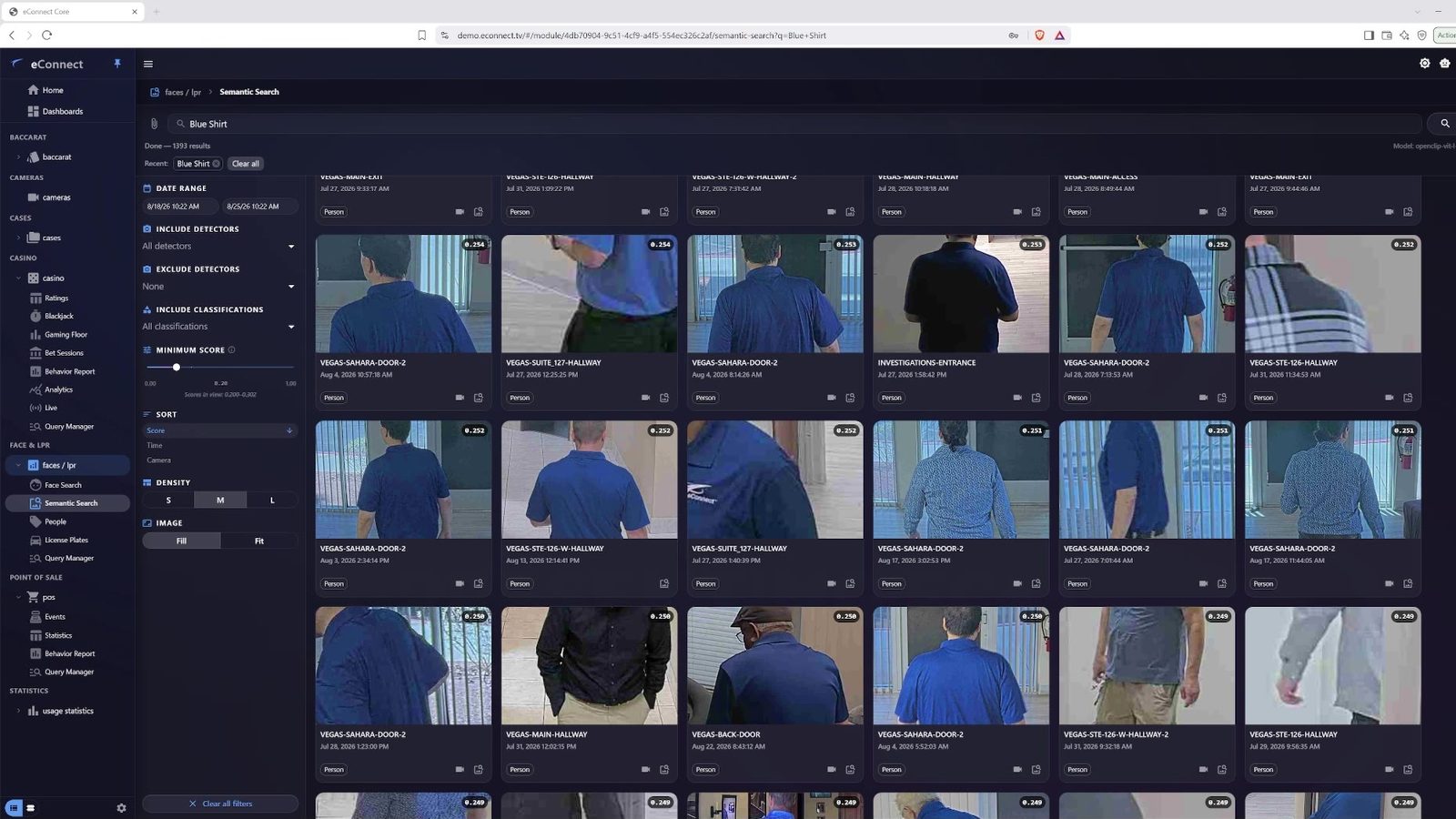
A real search in eConnect 11.
How it works
Say what you saw.
Describe it.
Type what you need in plain words. Or start from a picture.See the matches.
Results come back from your indexed cameras, closest match first.Go to the video.
Refine the results, then review the footage where it is available.
Beyond the face
No face. Still found.
A turned back. A sleeve at the edge of the frame. No face to match. Semantic search still sees the shirt.

Where it helps
Search what your cameras saw.
Casino floor
A guest, a dealer or a witness gives a description. Search for it.Venues and arenas
Search a whole concourse for the jacket or the bag you were told about.Parking and vehicles
Search your lot cameras for a type of vehicle.Investigations
Follow a subject across cameras when there is no face to match.
One platform
Three ways to ask.
Semantic search is built into eConnect 11, beside facial recognition and Ace.
Semantic search
Who fits the description?
Finds people and vehicles from what they look like.
Book a demo
Describe it. We will show you.
Bring a description. We run it live on eConnect 11.
Book an enterprise demo
A live walkthrough with our team, built around your questions.